For coaches
Introduction to using Habits
Start here for an overview of Habits. Then watch the other five coach videos for a closer look at each part.

DAILY, WEEKLY AND MONTHLY HABITS — MANUAL OR AUTOMATIC
Set daily, weekly or monthly habits. Clients can log them in the app or on the website, while health, nutrition and training data can update progress automatically.
For coaches
You can start with ready-made habits or create your own, set the goals and schedules, and see how each client is doing. Start with the introduction, then watch the other videos for a closer look at each part.
Start here for an overview of Habits. Then watch the other five coach videos for a closer look at each part.
Choose from activity, nutrition, hydration, sleep, and more. Change anything you need, or create your own habits and keep them in your library to use again.
Make a habit daily, weekly, or monthly. Ask for a yes or no, track a quantity, set a limit or a range, and add a reminder if you want.
If a client has already logged their nutrition, workout, or connected health data, you can use it to update a habit. They don’t have to log the same progress twice.
Give a client the habits they need, or assign them to a whole group. You can still change the goals, schedule, or instructions for one client.
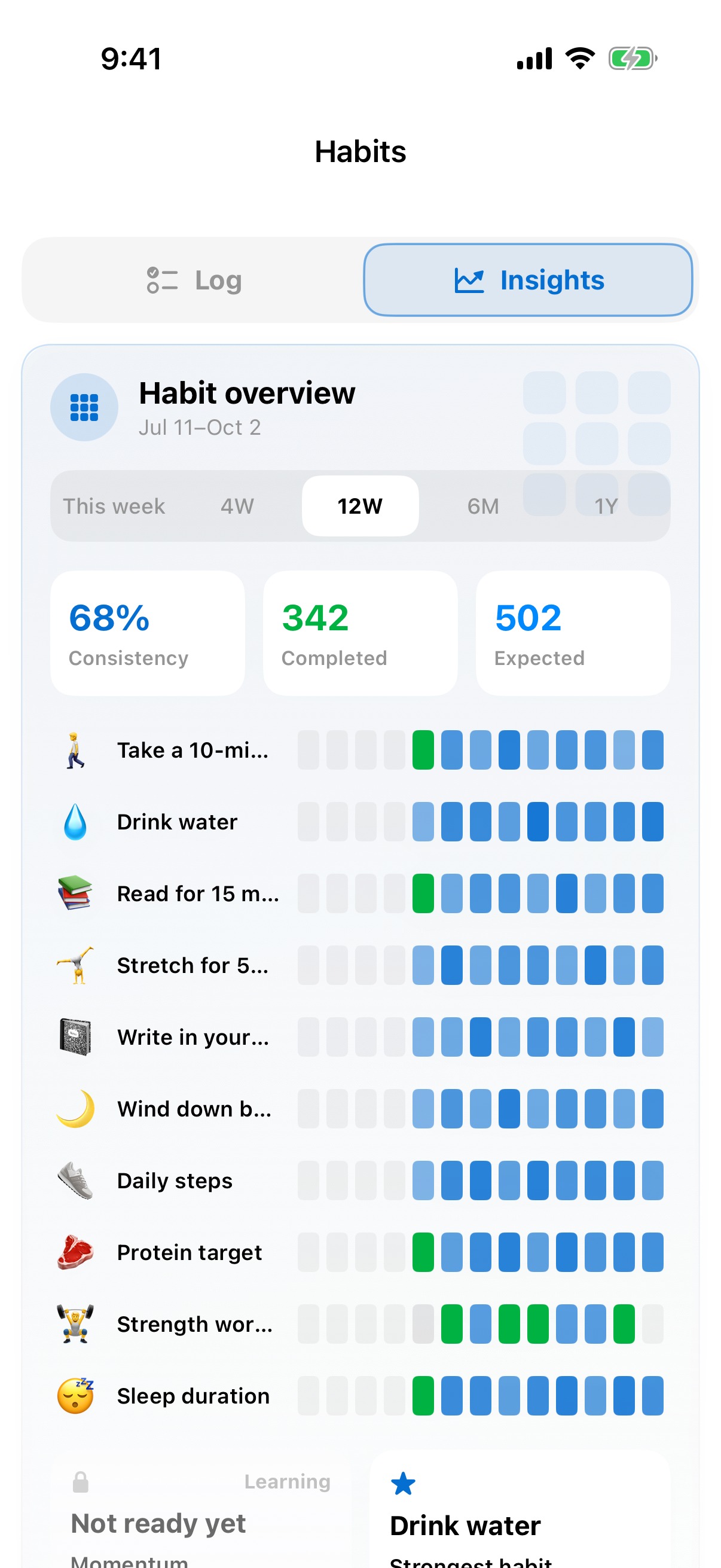
Review completion across your clients, then open someone’s history to see what’s going on. You can correct a log, excuse a period, or leave a coach note.
For clients
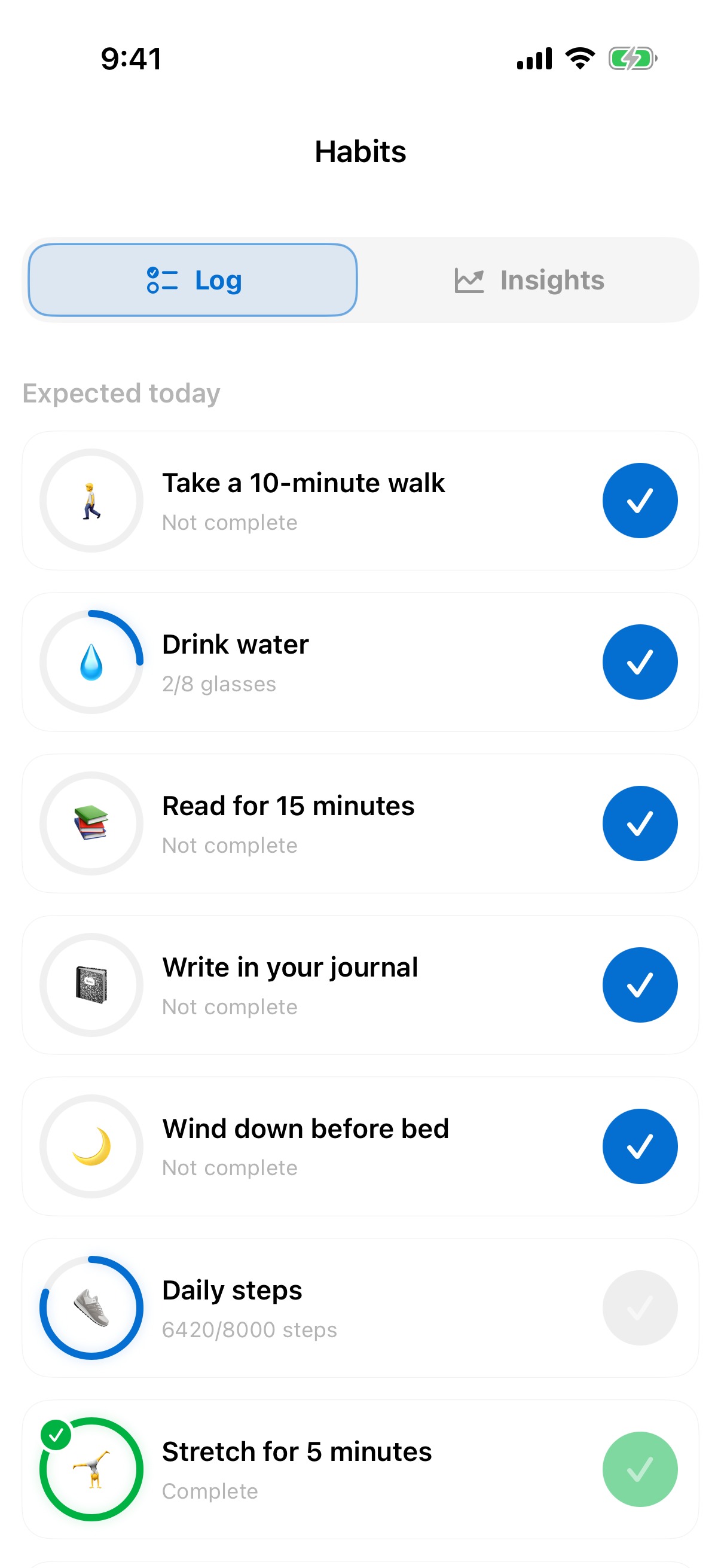
They’ll see what’s due today in the app or on your website. They can add progress, correct a manual entry, and look back at how they’ve been doing over time.
Clients can see their habits for today, log their progress, and look back at their history. Manual and automatically tracked habits appear together.
Clients can confirm a yes-or-no habit or add an amount, such as glasses of water. If they make a mistake with a manual entry, they can reset it and enter the correct amount.
Clients can use their account on your website to log habits, correct manual entries, and review their history. They don’t need to open the app.
When a habit is connected to nutrition, training, or health data, the client’s recorded activity can update it automatically. They can open the habit to see how the progress was calculated.
Clients can look back through the calendar, check their current and best streaks, and see trends for each habit. It’s easy to see what’s going well and where they’ve missed a day.
Start your free trial
Try the complete platform free for 14 days. If you would like to chat first then book a demo and we can talk through your business, and how Pono can help you.
{{ modalAsset13Options.audienceLabel }}