Create channels with a clear purpose
Set up spaces for introductions, questions, wins, challenges, education, accountability, upcoming events or anything else your community needs.
PRIVATE COMMUNITIES INSIDE YOUR COACHING PLATFORM
Give every client a place to connect and share progress with other clients and coaches — inside the same app and website they already use for training and nutrition.
01 / SPACES
Create focused channels for all clients, selected groups, invited members or your coaching team.
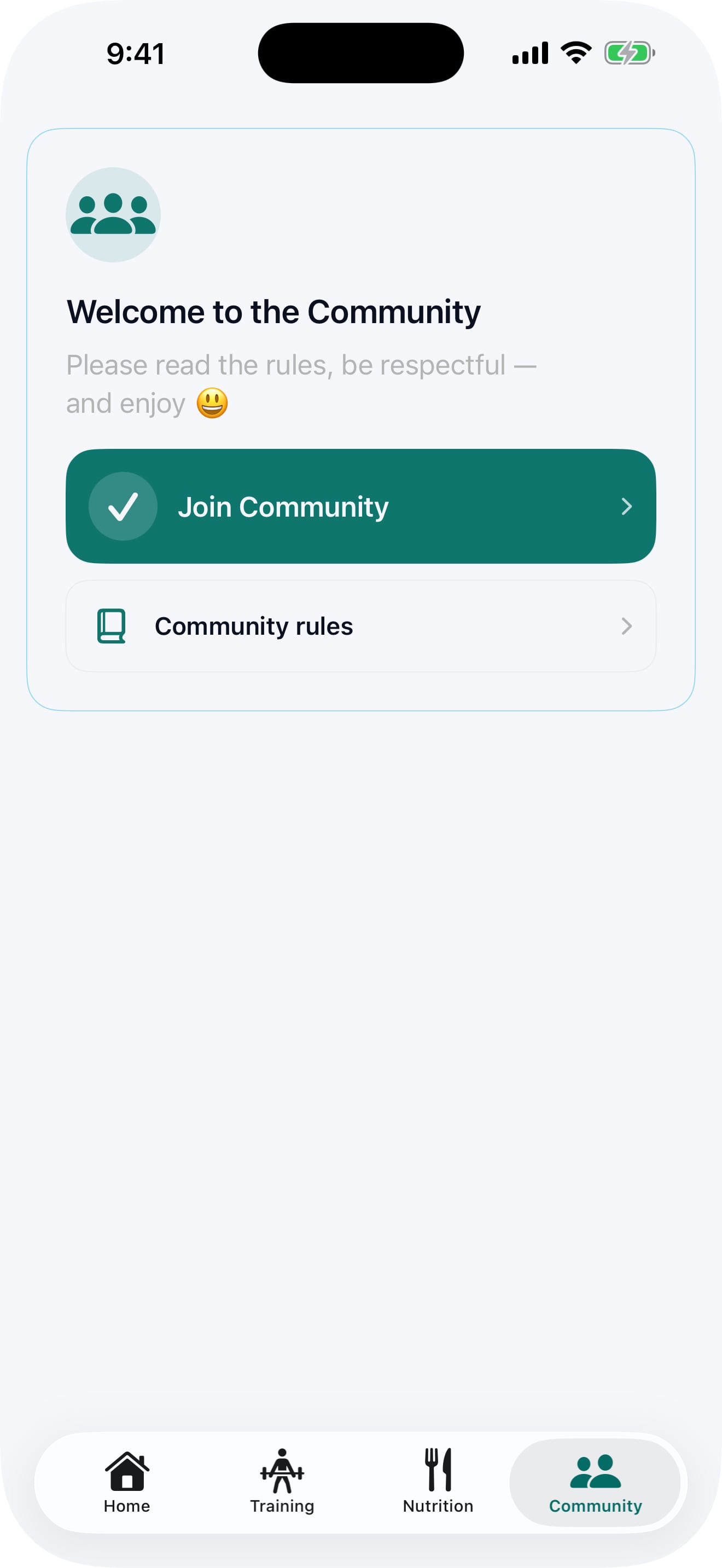
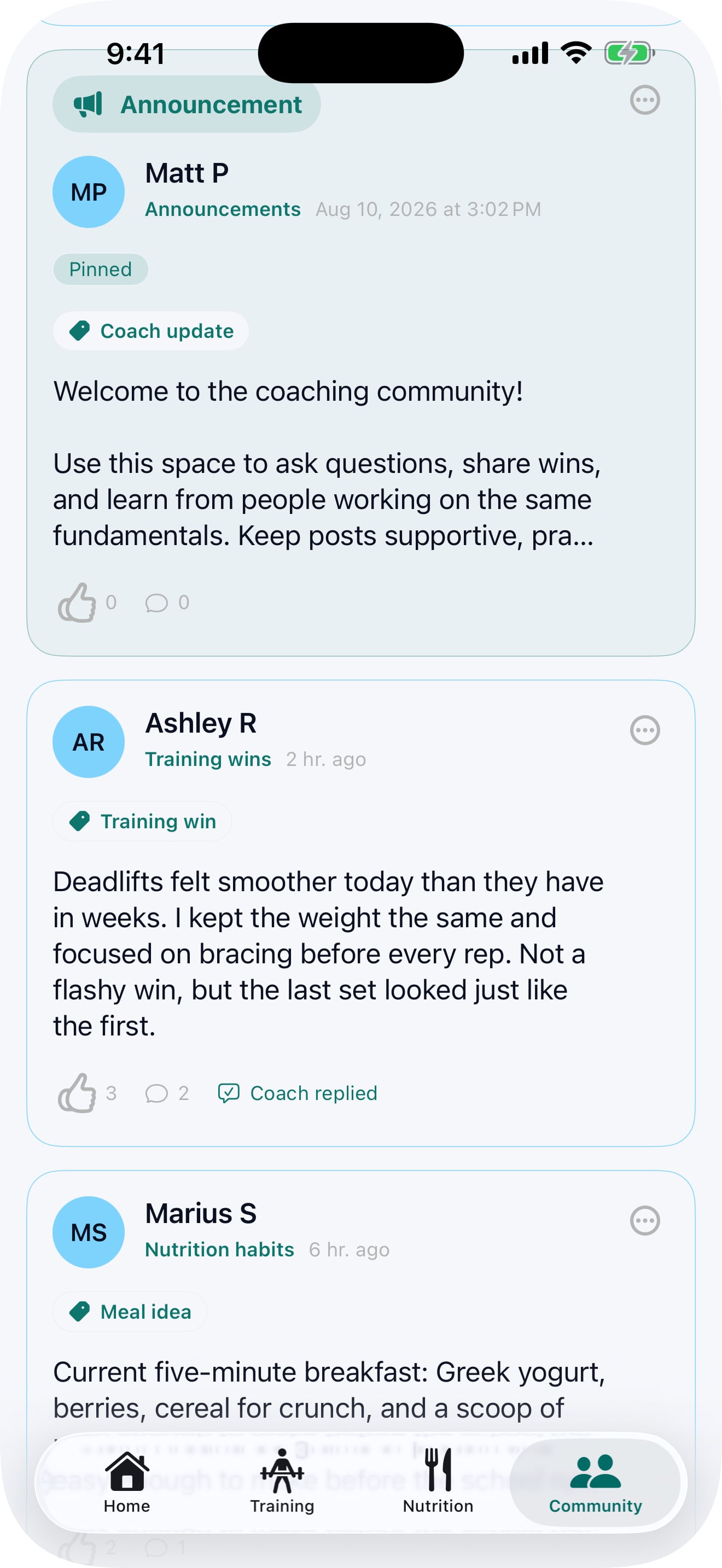
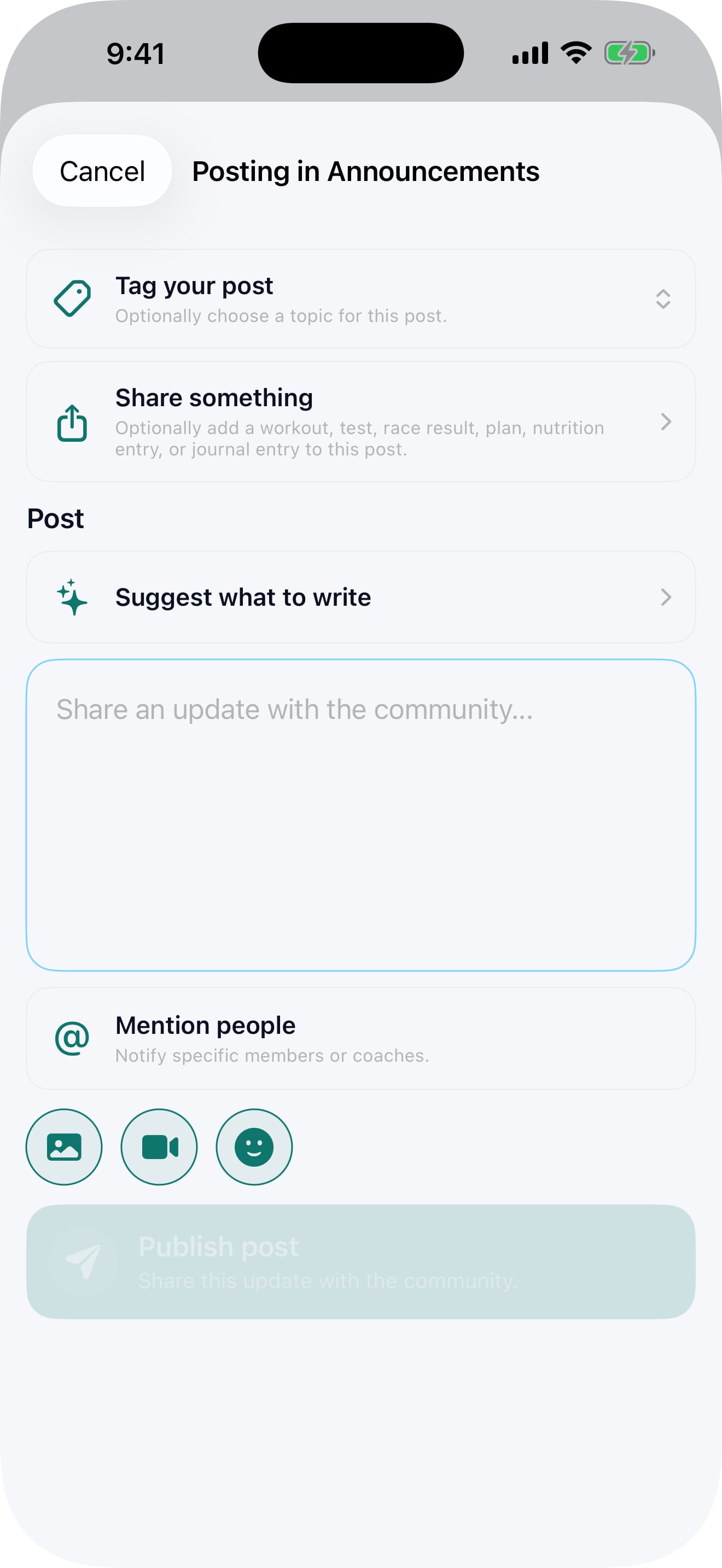
Set up spaces for introductions, questions, wins, challenges, education, accountability, upcoming events or anything else your community needs.
Open a channel to everyone, connect it to selected groups, invite individual members or keep it for staff only.
Community members can see everything in one combined feed, or switch to a specific channel when they want a more focused conversation.
Let everyone post, require approval, limit new posts to coaches and staff only, or make a channel completely read-only.
Pin useful posts, add topics and prompts, and give each space a clear welcome message and purpose.
Offer free app access to your community, as then introduce them to your coaching services when the time is right.
02 / CONVERSATIONS
An intuitive design that clients will already be familiar — but right on your website and app, so clients can ask questions, share ideas and stay involved without having to go to a different social platform.
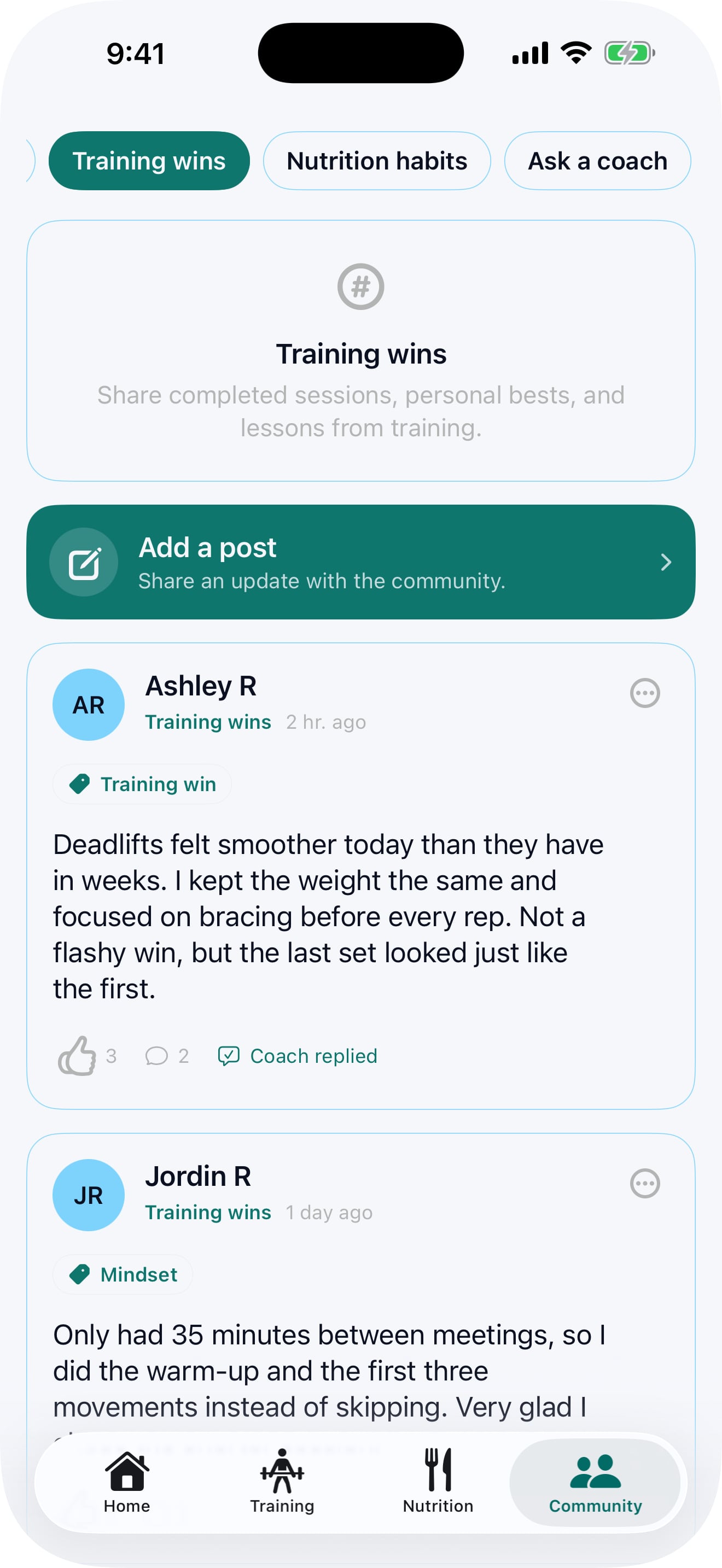
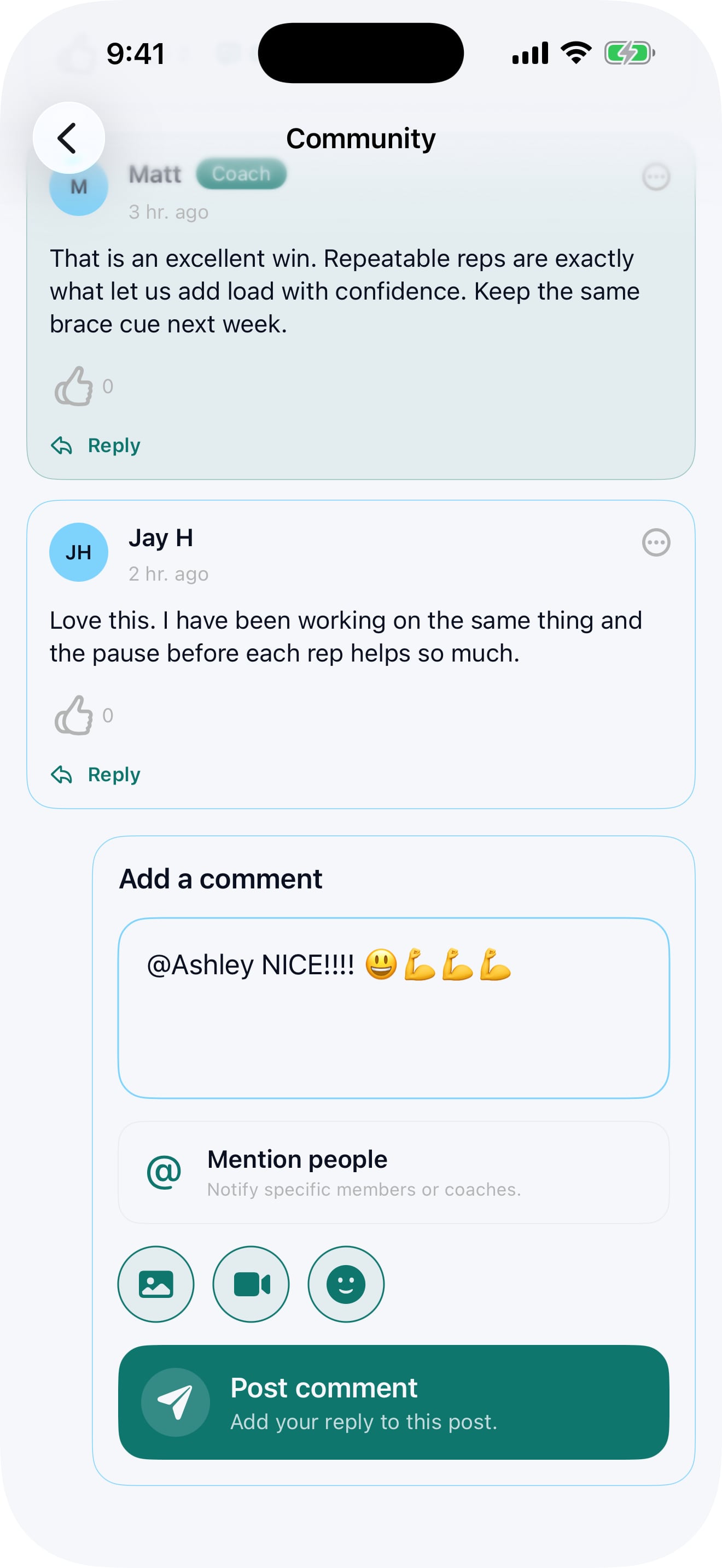
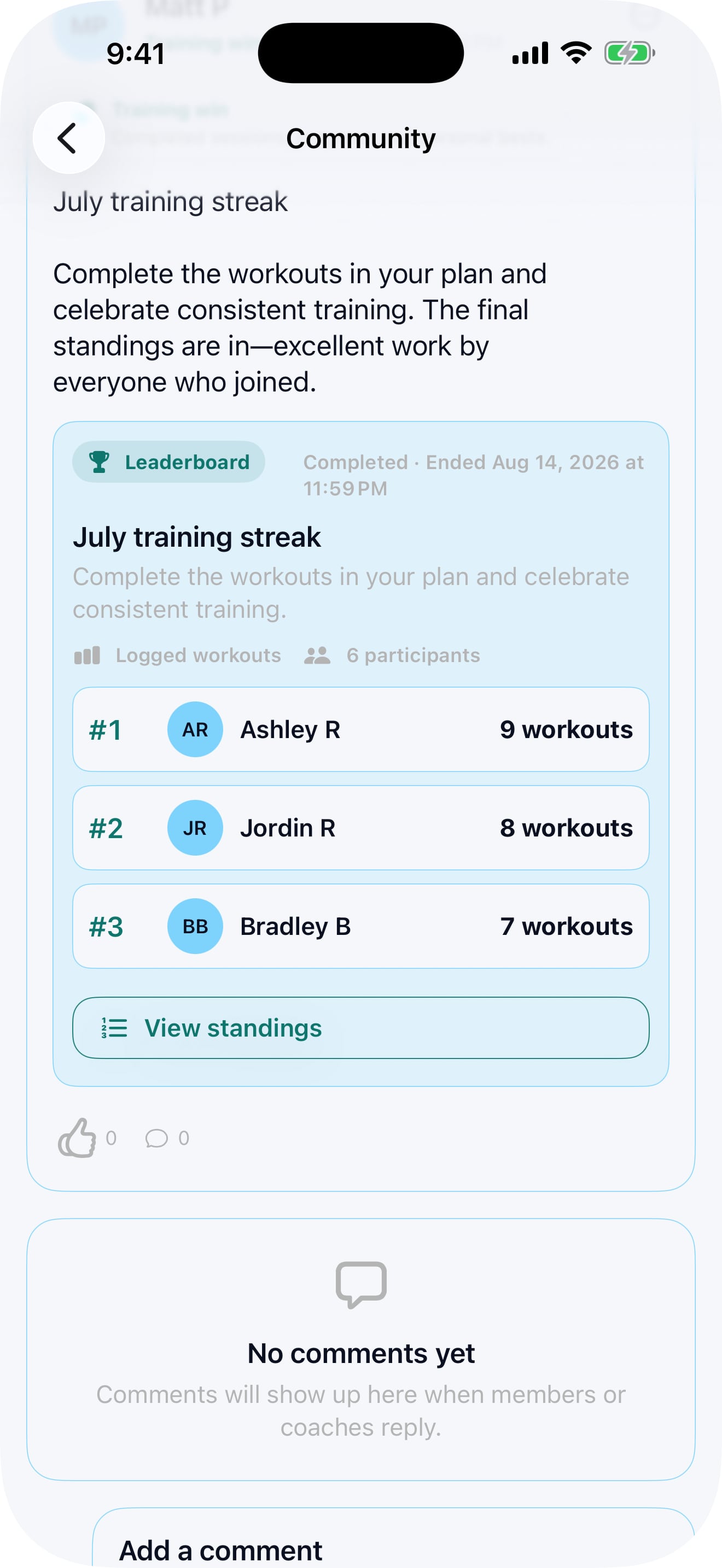
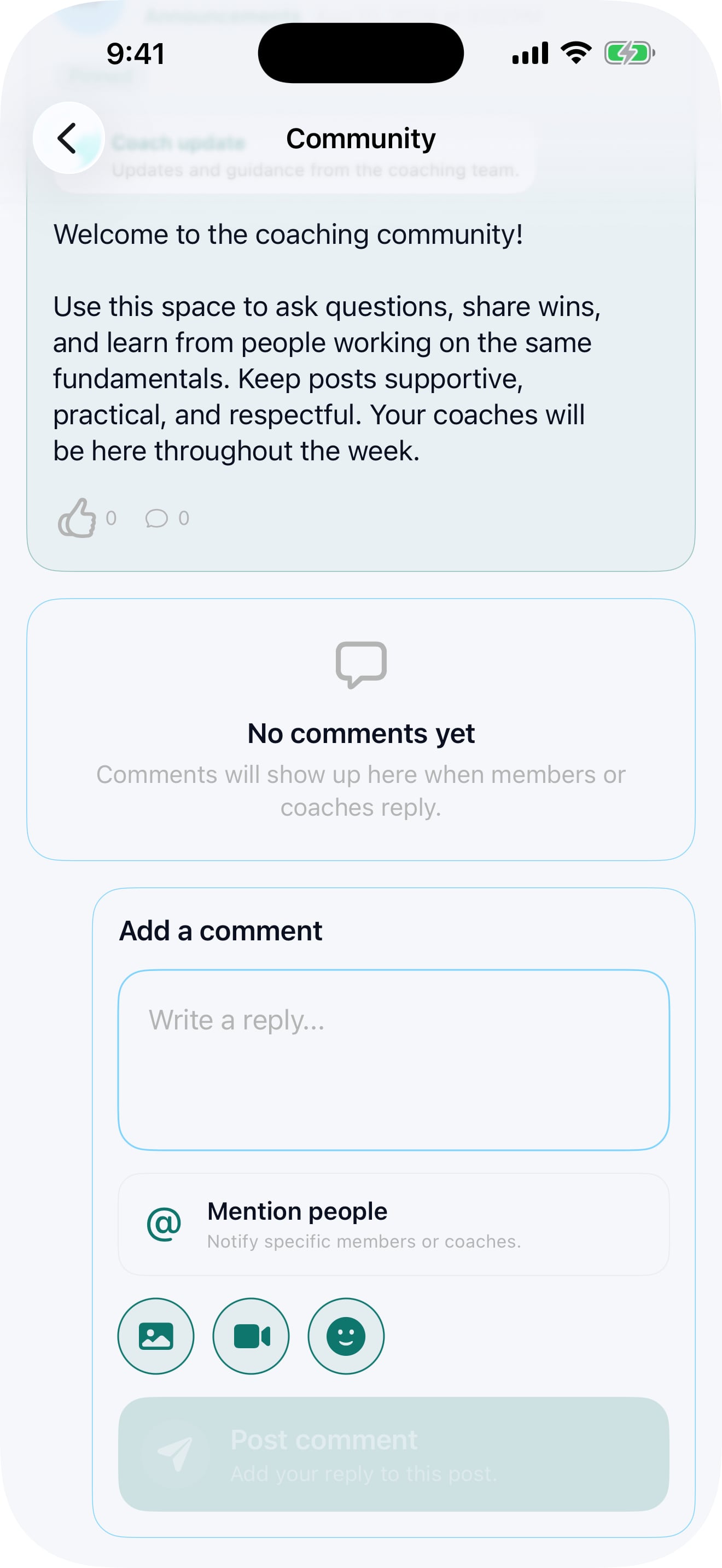
Start a conversation, respond directly and keep related replies together so discussions are easy to follow.
Add a quick emoji reaction or mention someone with an @ reference.
Add media to any post.
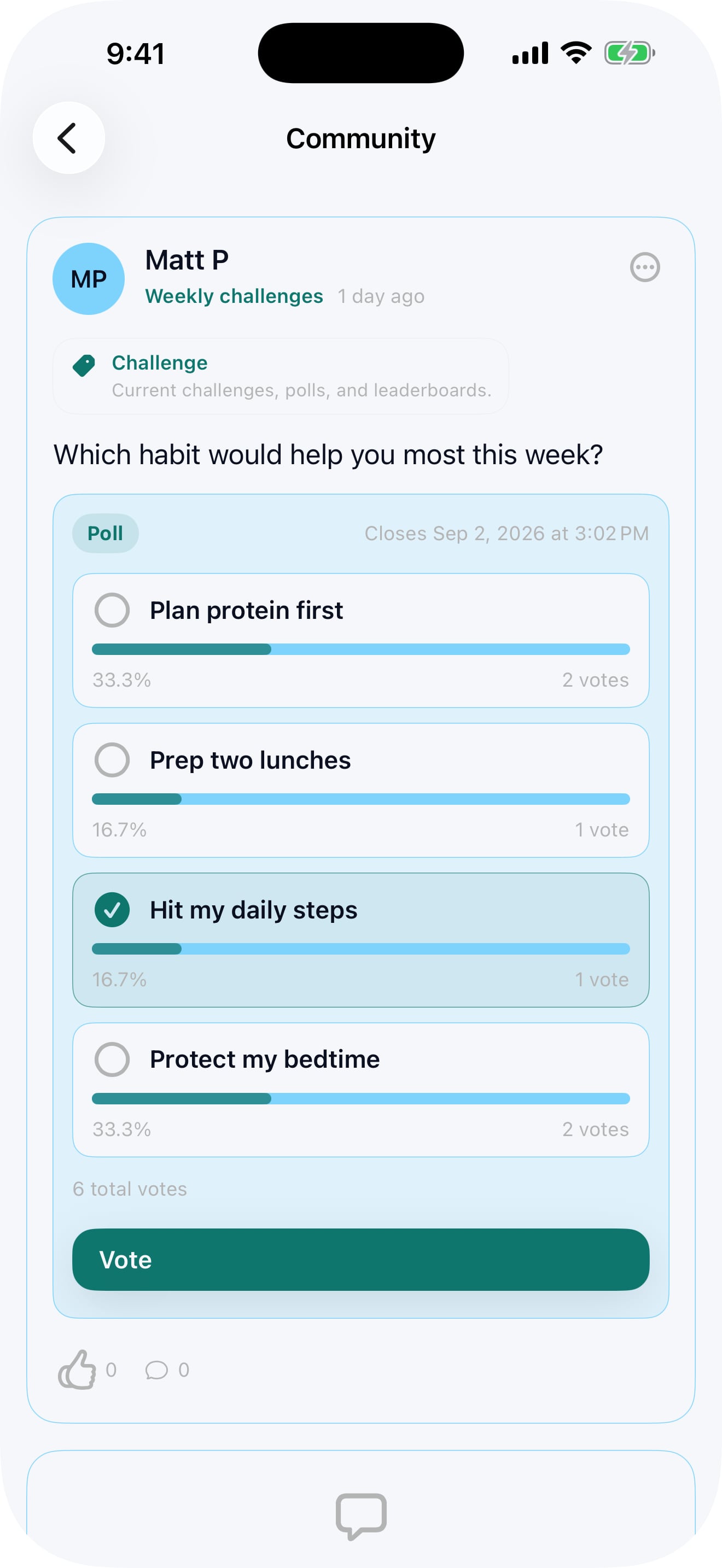
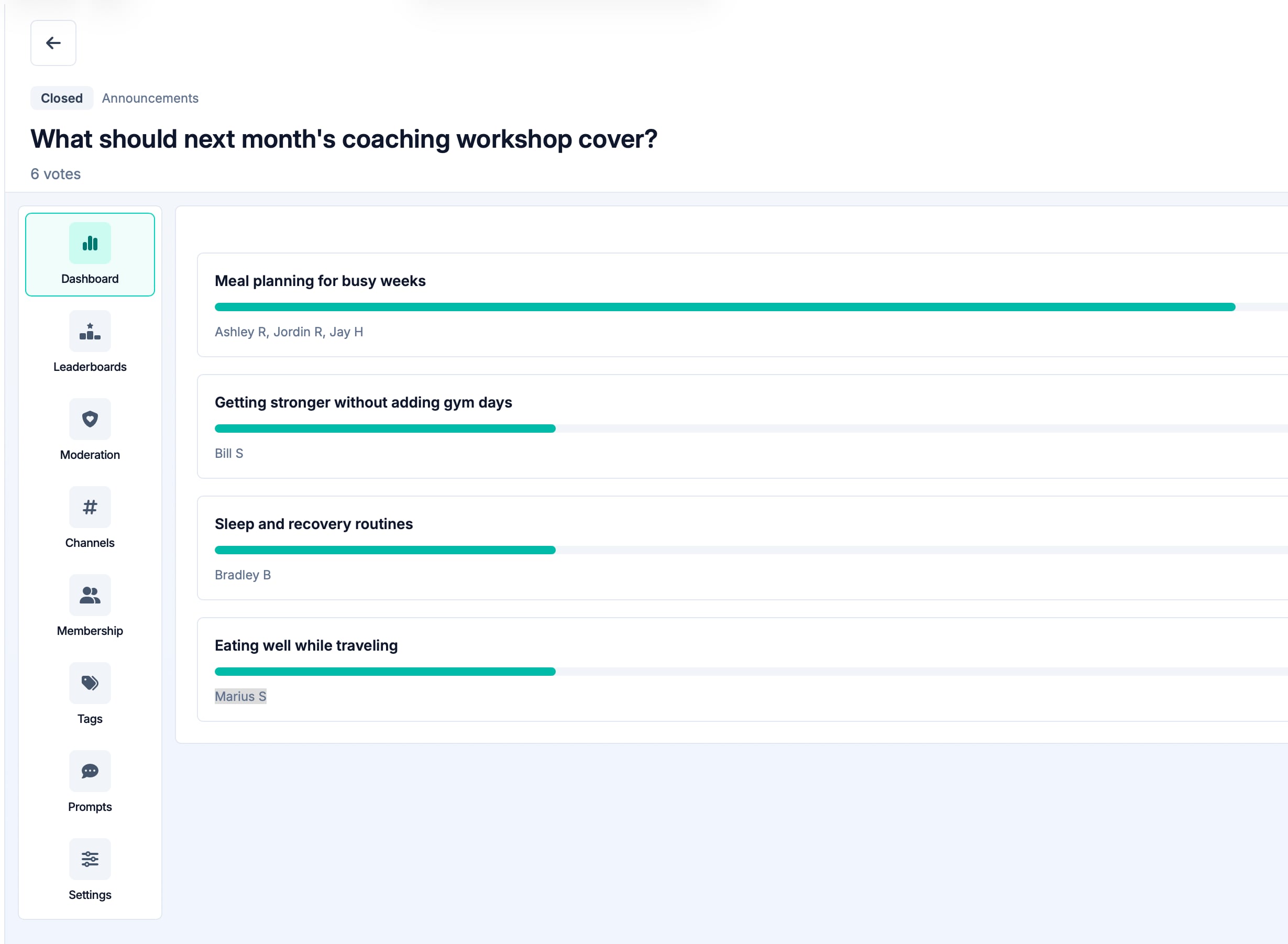
Run a simple poll, collect opinions, and add friendly competition to keep clients engaged.
Organize recurring themes and give members an easy starting point with some prompt ideas.
Members can follow the whole community or choose the channels they care about most, and choose what they want to be notified about.
Allow anonymous posts in some spaces when people may need a little more privacy.
03 / SHARE PROGRESS
Clients can share useful snapshots from what they are already doing in the app and website with just a couple taps — then receive encouragement from coaches and other members.
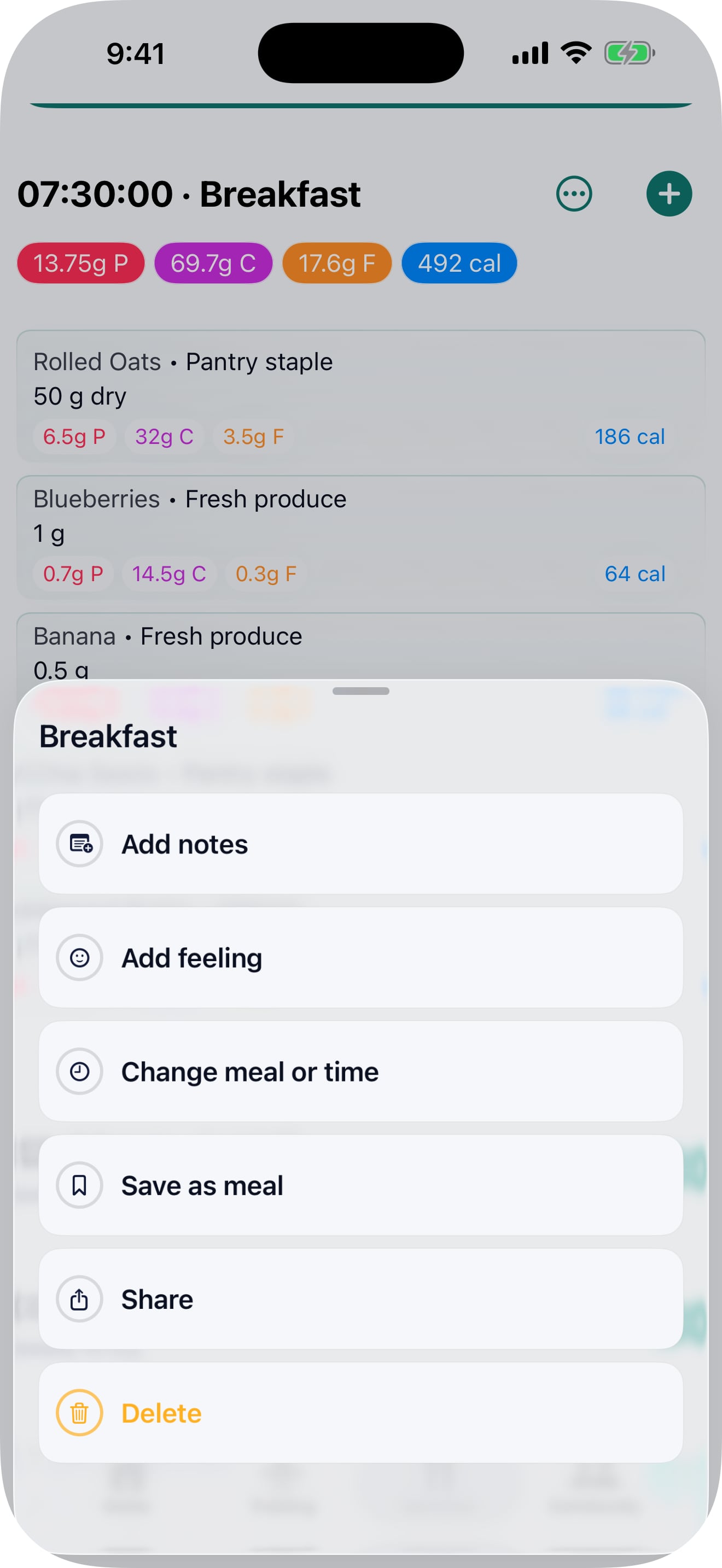
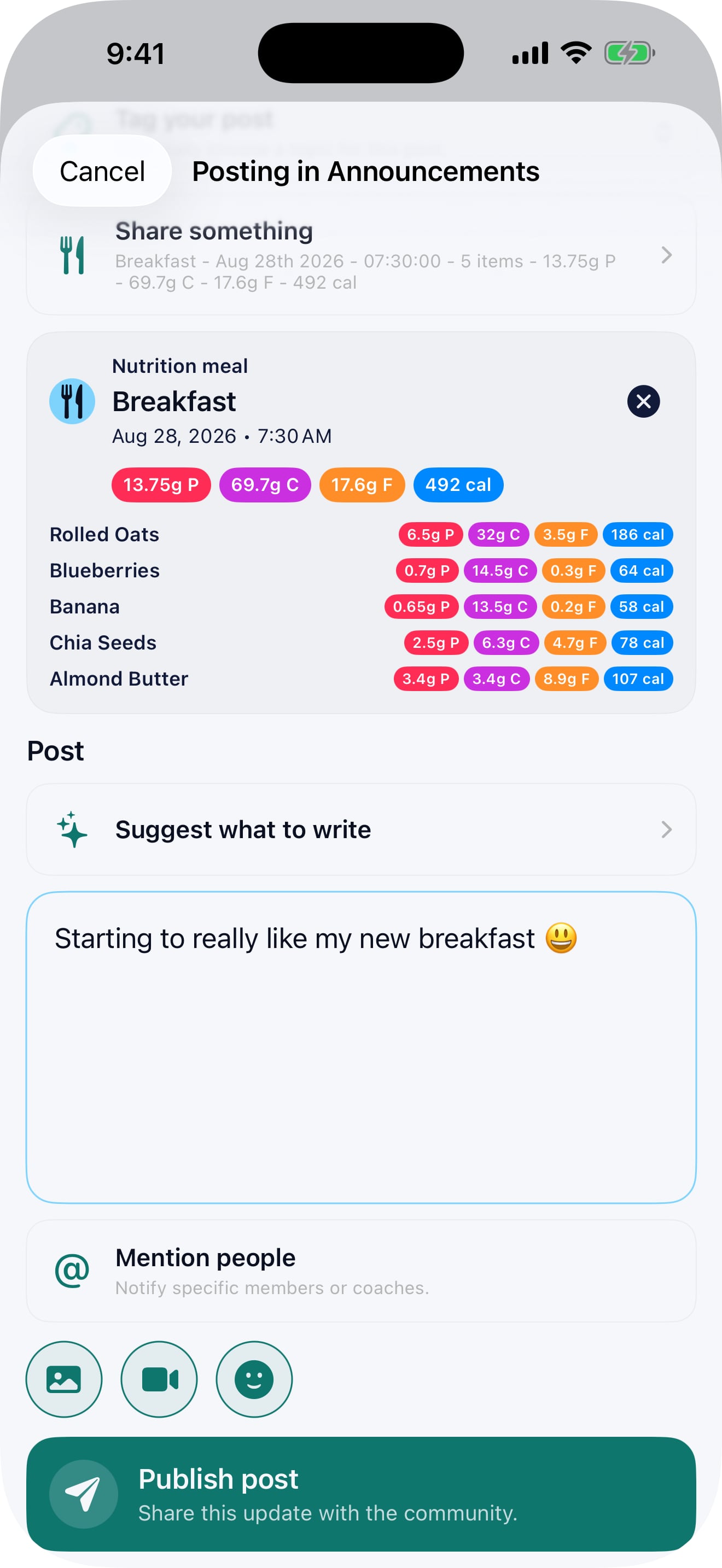
Celebrate consistent food logging and nutrition-plan progress.
Post a completed workout, training-plan progress or a session worth celebrating.
Share race preparation, HYROX progress and other performance achievements.
Selected check-in updates and useful files can also become part of the community conversations.
The website and app create a clear snapshot for the post, while keeping the underlying coaching record and data completely private.
Other members can react and comment, while coaches can step in with support, context, or to set the next small goals.
04 / COACHING TOOLS
Give your team the tools to guide the conversation, share important updates and keep every space useful and welcoming.
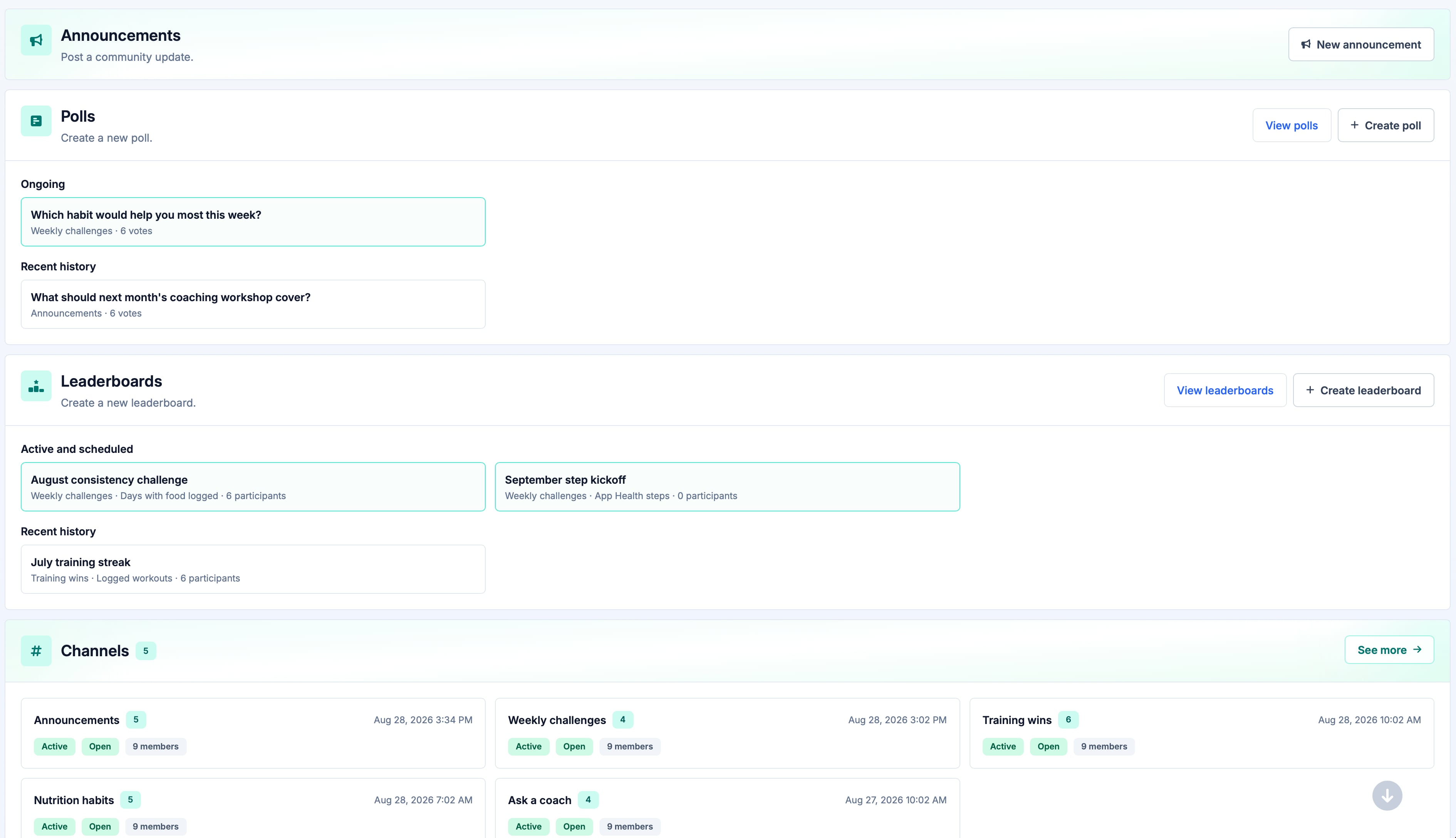
Explain what the community is for, how members should use it and what they can expect from your team.
Share an update immediately, schedule it for the right time and pin important announcements where members will see them.
Coach badges and highlighted replies keep trusted guidance visible inside busy conversations.
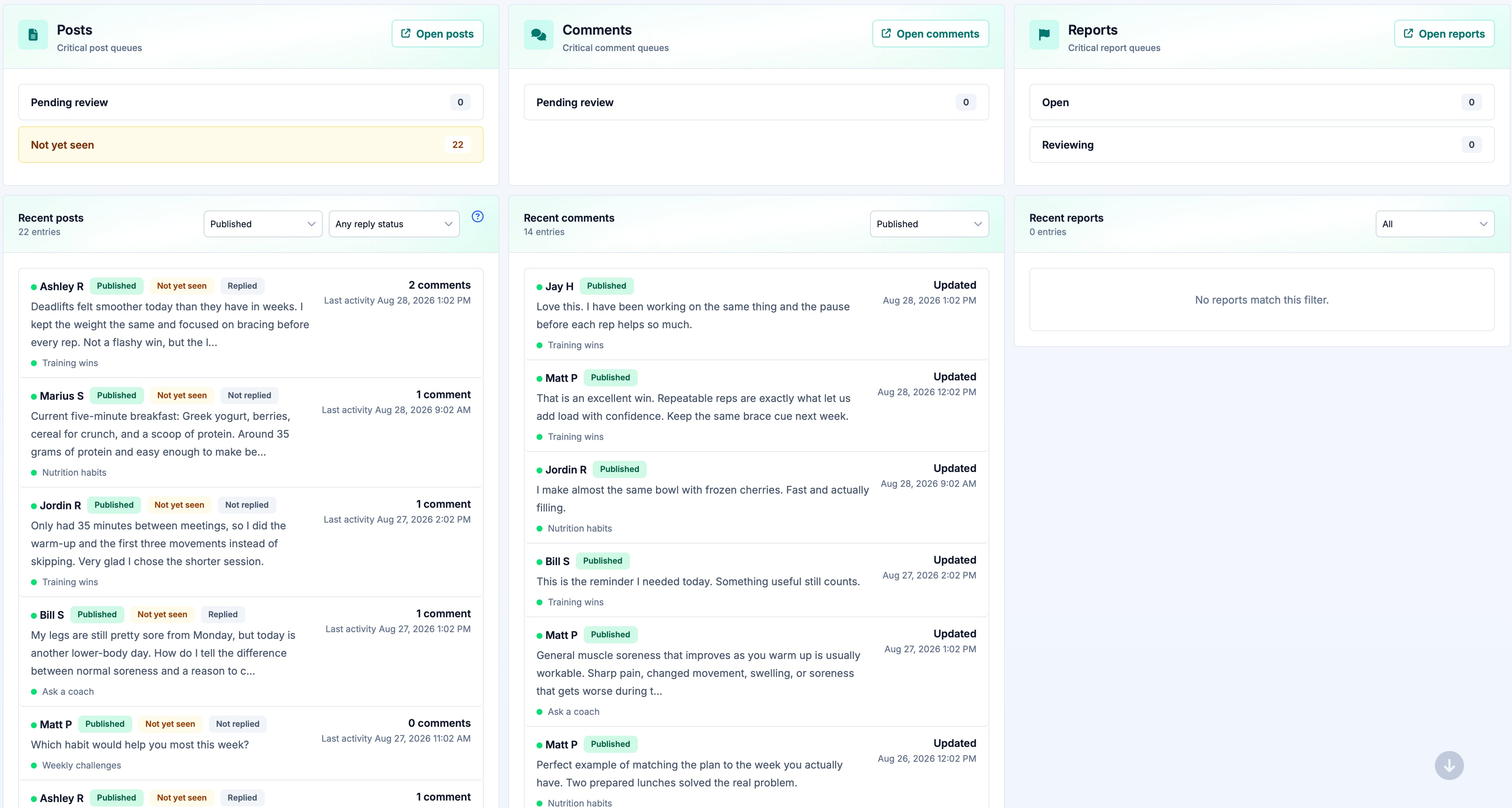
Use an approval queue in selected channels when you want to check new posts before the community sees them.
Review reports and flagged posts, hide or restore specific content, lock discussions, pin useful posts, and remove content when needed.
Use detailed permissions to control which staff and coaches can manage channels, announcements, members, moderation and settings.
Admin dashboards bring together channel activity, pending approvals, reports and the tools your team uses most.
Start your free trial
Try the complete platform free for 14 days. If you would like to chat first then book a demo and we can talk through your business, and how Pono can help you.
{{ modalAsset13Options.audienceLabel }}